Tempest Cam turns your Ring camera into a live weather cam with real-time weather overlays and videos powered by Tempest.
Connect Tempest to Your Ring Camera
Powered by more than 90,000 stations worldwide, the Tempest Weather Network delivers precise, hyperlocal weather data right from your backyard. Tempest Cam automatically pairs your live camera feed with real-time weather conditions from your location. Tempest Weather Station owners get the most hyperlocal data possible, but it works whether you own a Tempest or not.
Add Weather Overlays and Storm Alerts
Tempest Cam overlays live weather data directly onto your Ring camera videos and sends alerts when weather events begin. Capture events like:
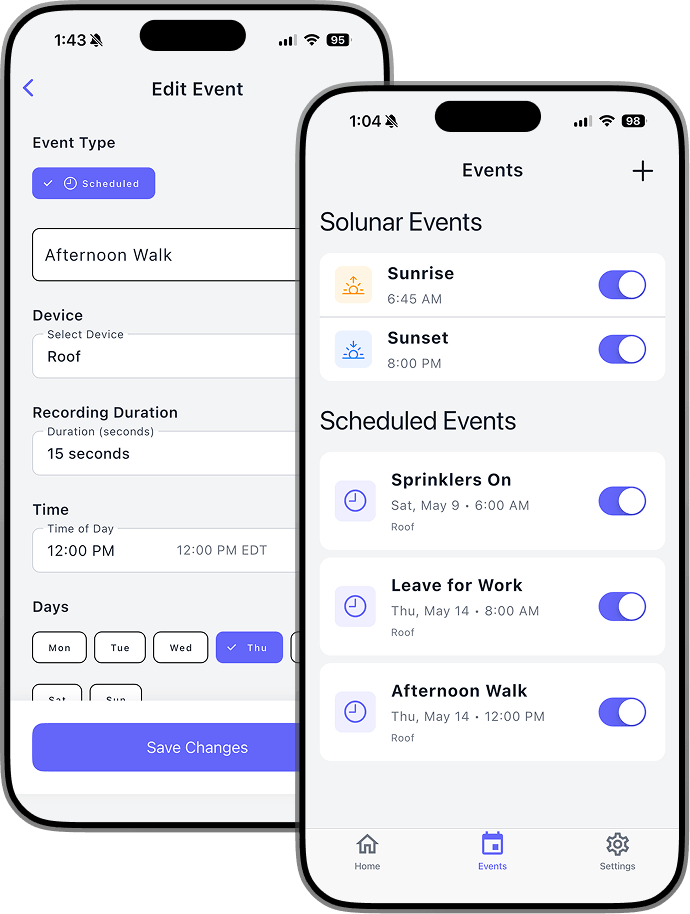
Daily weather snapshots
Manual recordings anytime
Coming Soon: Rain starting at your location, lightning nearby, severe weather conditions
When an event occurs, Tempest Cam automatically records a short video with live weather overlays and sends it straight to your phone
Create Shareable Timelapses
Tempest Cam automatically captures and compiles weather moments throughout the day so you can relive dramatic cloud movement, incoming storms, sunsets, fog, rain, and more. Perfect for: